Phone, tablet or TV: what's best for kids to watch videos on?
How different screens affect eyes, posture and sleep, what distance is right, and why time outdoors beats "phone glasses".
Readarrow_forward

Mitti GO is a bright, simple app for kids, built on YouTube. Parents allow channels and playlists, and the child sees only those — on phone, tablet and Android TV. No recommendation feed, no comments, no way out to YouTube.
 Coming soonGoogle Play
 Coming soonApp Store
search
Coming soonApp Store
searchChannels and videos here are examples
A picture, a title and a duration — and no popularity counters.
Logo, links, end-screen suggestions — every jump to YouTube is quietly blocked.
It looks only through what a parent added, right on the device.
The regular YouTube app is designed to keep people watching. Mitti GO does the opposite: it shows only what you chose and never nudges for more.
| Regular YouTube | Mitti GO | |
|---|---|---|
| What your child sees | shuffleWhatever the algorithm picks | check_circleOnly the channels and playlists you allowed |
| Search | publicAll of YouTube | check_circleOnly your library, right on the device |
| What plays next | shuffleSuggestions can lead anywhere | check_circleOnly allowed videos, autoplay off |
| Comments, likes, views | forumEverywhere | check_circleNowhere |
| Shorts | all_inclusiveAn endless global feed | check_circleOff; if on, only from your channels |
| Links out | open_in_newLinks, other channels, other apps | check_circleAll blocked |
For the whole app — and for channel suggestions.
Four digits lock the parent area. The child's side opens without one.
From Mitti GO's suggestions or your own — by name, @handle or link. You can skip this step.
Your child sees only what you chose. New videos from those channels appear on their own.

Big pictures, big buttons and icons instead of words. Easy for little ones, never babyish for older kids.
No carousels, no endless shelves. The unfinished video sits on top.
Off by default. Turn them on and only Shorts from allowed channels appear — never a global feed.
Your child picks what plays next. Prefer otherwise? Switch it on in settings.
When something is no longer allowed, it simply disappears. No “Blocked by your parent”.
Videos play in YouTube's official player, and Mitti GO closes every way out of it.
“Watch again” and what's next — only from allowed videos. YouTube's suggestions can't be tapped.
Watching a playlist? The playlist continues. Opened a channel? That channel's videos.
The unfinished video waits first on Home with a Keep watching tag.
Leave the app and the video pauses. Turn the phone for full screen.
The parent area opens from the Profile tab. Everything is at hand: content, Shorts, language, theme, security.
Fingerprint or Face ID if you like. The PIN is always the fallback.
Press Done, step into the child area or leave the app — the parent area locks at once.
After five wrong tries the keypad pauses. A restart or a clock change won't reset it.
Counters like “3 / 5” and plain labels: Included, Hidden, Paused.
Screen Time is part of Pro. On Free nothing is counted and nothing is locked.
How long your child can watch each day. Resets at midnight.
The mascot says “Almost time for a break!” — no countdown, never over the video.
If time runs out mid-video, it may finish — up to 15 extra minutes.
Allowed hours like 08:00–20:00, separate for weekdays and weekends.
Only time on the child's screens counts. Changing the phone's clock won't reset it.
 Time's up for today! See you tomorrow.
shield_personFor parents
Time's up for today! See you tomorrow.
shield_personFor parents
No name, no photo, no birthday.
Watch history, progress and your child's searches never leave the device.
Kept hashed in the device's secure storage and never logged.
Things like “channel added”. No ad IDs, and nothing about what your child watched.
Protection and security are never behind a paywall. Pro adds Screen Time.
You can't add more, but you can still manage everything: hide, star, remove. Or pick separate playlists instead of a whole channel.
Nothing is deleted. You get 7 days to choose which 5 channels and 10 playlists stay. The rest are paused and come back when you renew.
The same allowed channels, on the big screen. Everything works with the remote: the D-pad and OK, with a clear frame around the selected card. No extra menus, no way out to YouTube.
Phones and tablets. On a tablet: two columns of videos and the player with Up Next beside it.
The app language and the suggestions language are set separately — handy for bilingual families.
Follow the system, or pick light or dark — for the whole app at once, child and parent sides alike.
Your saved list shows without internet, and removing a channel or hiding a playlist works offline.
How different screens affect eyes, posture and sleep, what distance is right, and why time outdoors beats "phone glasses".
Readarrow_forward
7 channels where English isn't just the voice-over language but part of the learning — and how to make watching actually help.
Readarrow_forward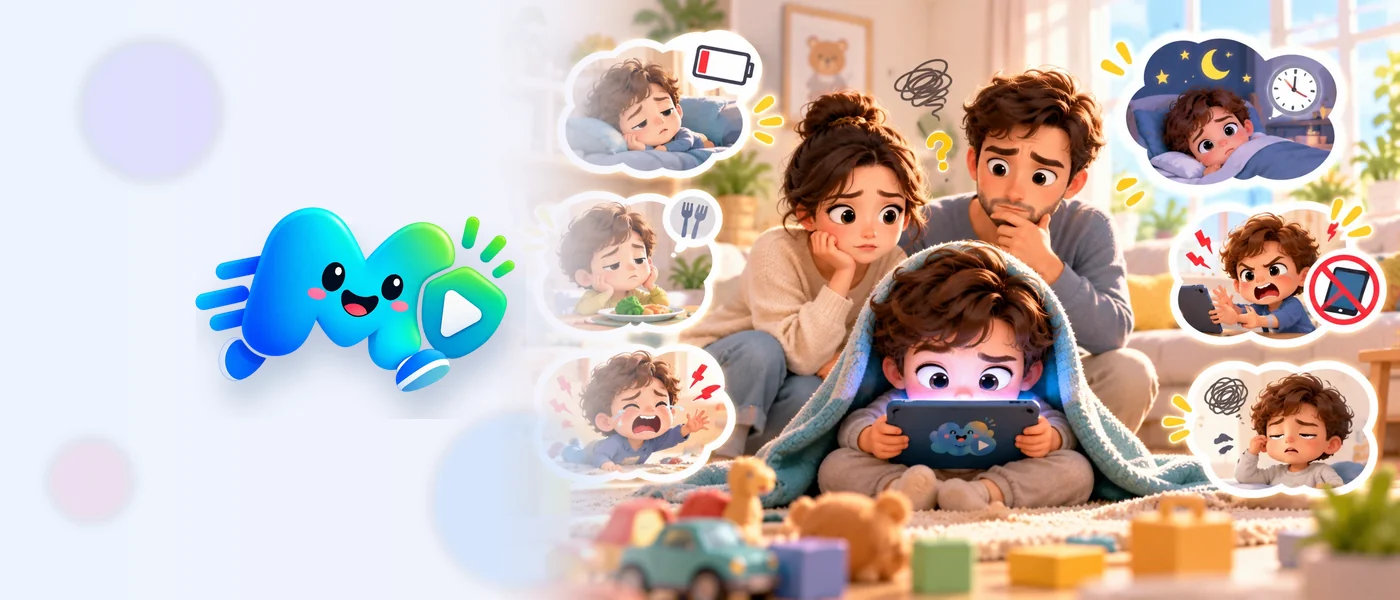
Screen time isn't always harmful in itself. What matters is noticing changes in your child's behaviour and habits — here's what to look for.
Readarrow_forwardYes. Choose “Playlists only” — the rest of the channel stays closed and your child can't open its page.
No — only channels and playlists. It's easier to keep track, and new videos arrive on their own. If a channel has a playlist you don't want, hide it.
It's a Favorite: the channel comes first on your child's Home and Library. A star grants nothing and doesn't count toward limits.
There's no back door inside the app — that's exactly what keeps kids out. Reinstall it: Mitti GO starts fresh and you add your channels again.
To watch and to add channels — yes. Removing a channel, hiding a playlist or starring work offline. Offline, your child sees the list that's already saved.
Mitti GO shows no ads of its own. Ads YouTube sometimes plays inside its player stay — YouTube's rules forbid hiding them.
They're off from the start. Switch them in Profile → Shorts, and separately for each channel.
Yes: Remove → Keep some playlists. The ones you tick stay as separate items and keep their star.
Some creators don't allow their videos in other apps, and live streams aren't supported — Mitti GO simply doesn't show those. If a video won't load, check the connection and tap Try again.
Android and iOS, phones and tablets, plus Android TV. On a tablet you get two columns of videos and the player with Up Next beside it. Light and dark themes included.
The app is getting ready for Google Play and the App Store. Safe content, happy kids.
Coming soonGoogle Play
Coming soonApp Store